
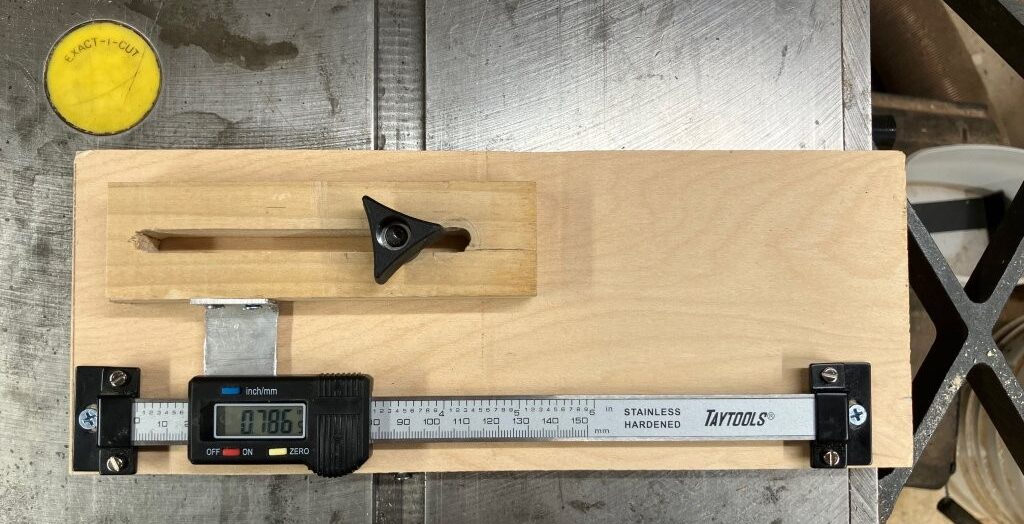
One of my struggles with segmenting is cutting the segments and getting it to the right length so that I get the proper circumference. It took a bit of fumbling with calipers, measuring between the teeth of the saw blade and the stop, then using a piece of scrap wood and cutting the test segment and measuring it to see if I had it right. Sometimes it took a few tries to get it right. So I needed a better way to measure. I have seen people online make digital stops that they either didn’t sell or they were outside of my budget. So I did a little research and came across a 6” Digital Readout from Taylor Toolworks for $35.00. It fit the bill perfectly.
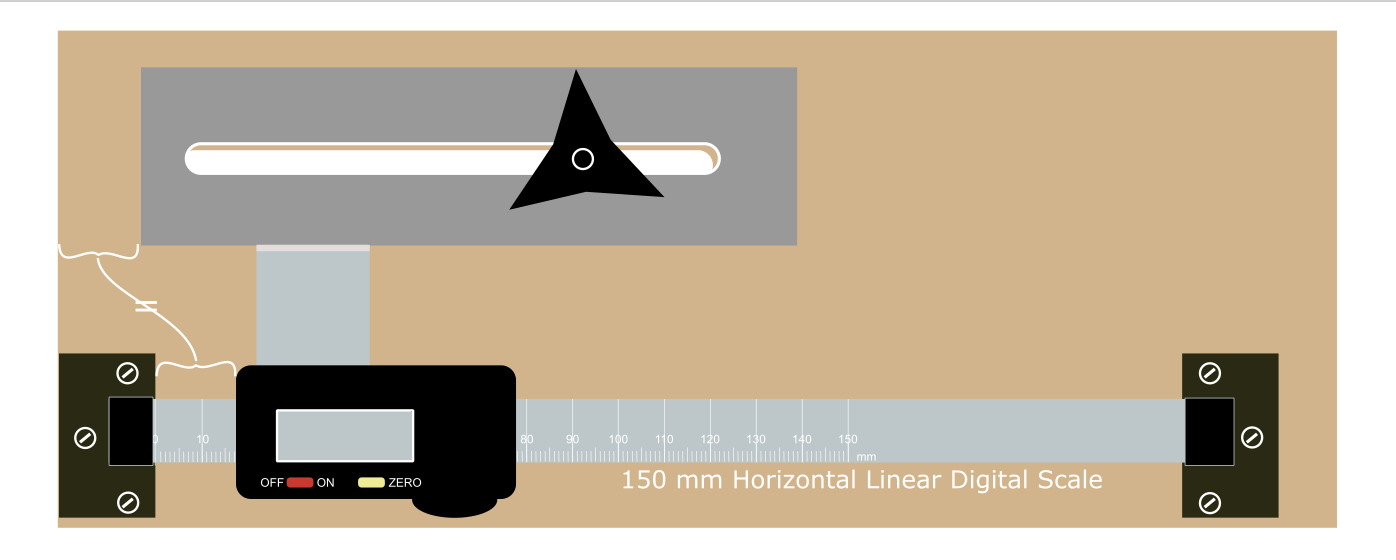 I modified my existing stop to accommodate the read out and custom made a bracket to connect the stop to the readout. It was a relatively simple. The trickiest part was manufacturing the bracket. I used an old aluminum bracket from a window blind and using an angle grinder with a cutting wheel, I cut it down to the width I needed. Then I carefully measured the mounting holes under the read out and transferred those measurments to the bracket and drilled. After attaching to it the readout, I mounted the read out to the sled. Using the stop, I marked the bracket and cut it off so it was flush with the stop of the stop. Drilled a couple of holes and mounted the stop to the bracket.
If you look at the picture below you will see the completed sled. With a plywood miter bar attached to the bottom so the sled sat flush with the body of the saw blade, I was able to run it through the saw making it flush with the teeth of the saw blade. 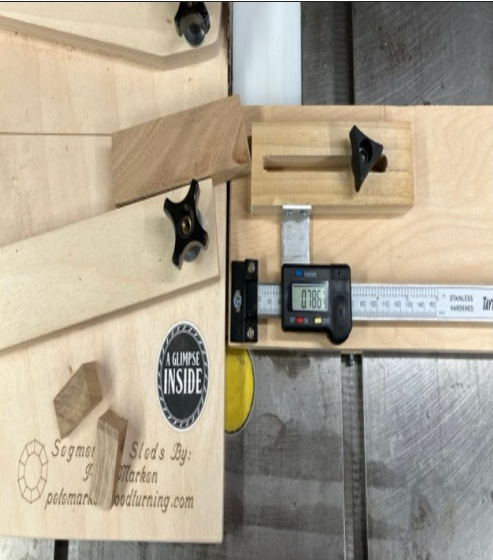 The segmenting sled on the left with the digital sled on the right. All I need to so it set the readout to the decimal measurement I am using and run my stock through the saw making the number of segments I need for that particular ring.